Native LaTeX equations
Turn a topic into an equation rendered with MathJax. Opened in XMind, it stays visible and editable.

XMap Studio is a free and open source alternative to XMind. It opens and
saves .xmind files, writes native LaTeX equations and runs on
Linux, Windows and in the browser. No account, no telemetry.
MIT license · Your files stay on your device
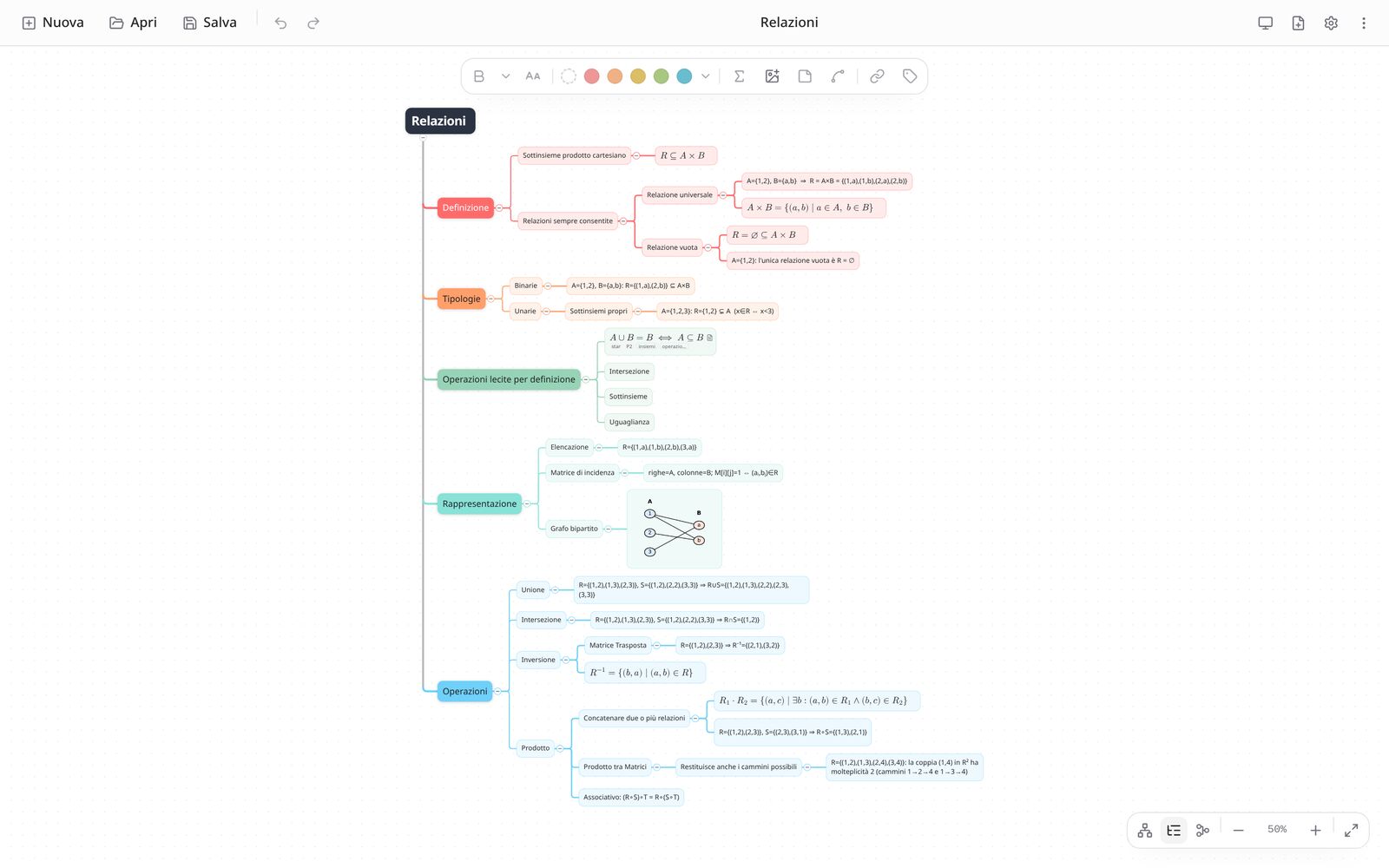
You work right on the map: type in the topic, add branches from the keyboard, drag to rearrange. How it looks matters as much as what it says.
Turn a topic into an equation rendered with MathJax. Opened in XMind, it stays visible and editable.
Uses the .xmind format: XMind maps open here, and maps made here open in XMind.
Tab and Enter for new topics, drag and drop, relationships, summaries, notes, labels, links and images.
Colors, shapes, lines and typography of each sheet come from a theme editor, in light and dark.
Several sheets in one map. Print on A4 or A3 with page breaks between branches, or export one PDF page as big as the map.
Every save is checked before it touches the disk and leaves a backup. If XMind has the file open, saving stops.
Free on every platform. The desktop app updates itself.
Runs entirely in the browser, on phones and tablets too. Install it as an app (PWA) and use it offline.
Open the web appAppImage from the releases, or from the AUR on Arch Linux:
yay -S xmap-studio-binPortable executable: nothing to install, just run it.
Download the exeYes. It's free software under the MIT license: free forever, no Pro tier, no ads.
Yes, modern .xmind files (XMind Zen and later) open and save. The old XMind 8 format isn't supported.
No. Even the web version works entirely in the browser: your files stay on your device. No account, no telemetry.
Select a topic and pick the equation from the toolbar: type LaTeX and see the MathJax preview.
The app interface is currently in Italian.